100% free · no signup needed
Compress Images Without Losing Quality
Compress JPG, PNG, WebP and AVIF images online in seconds. Reduce image size while maintaining excellent quality. Fast, secure and completely free.
- 100% Secure Processing
- No Signup Required
- Works on Any Device
Drop an image here, or click to browse
Supports JPG, PNG, WebP and AVIF images.
Choose File• Fast & Secure Processing.
All the essentials
Popular tools
Pick a tool below — every one runs instantly, right in your browser.
 Image Size Increaser
Increase an image to an exact target size.
Popular
Image Size Increaser
Increase an image to an exact target size.
Popular
 Resize Image
Change dimensions without losing quality.
New
Resize Image
Change dimensions without losing quality.
New
 Resize Image to KB
Exact pixels and a maximum KB size, as JPG.
Resize Image to KB
Exact pixels and a maximum KB size, as JPG.
 Crop Image
Trim an image down to exactly what you need.
Crop Image
Trim an image down to exactly what you need.
 Convert Image
Switch between JPG, PNG and WebP instantly.
Convert Image
Switch between JPG, PNG and WebP instantly.
 Image to PDF
Turn one or more images into a single PDF.
Image to PDF
Turn one or more images into a single PDF.
 Rotate Image
Fix sideways or upside-down photos.
New
Rotate Image
Fix sideways or upside-down photos.
New
 Merge Images
Combine several photos into one image.
Merge Images
Combine several photos into one image.
 More tools
See every tool Compress Image offers.
More tools
See every tool Compress Image offers.
About Compress Image
The Free Online Image Compressor Built for Everyday Use
Compress Image is a free online tool to compress image size in KB without losing visual quality. Whether you need to compress image online free for a job application, shrink a photo for WhatsApp or email, or meet a website's upload limit, our compressor gets the job done in seconds — right inside your browser.
Not sure compress image is what you're looking for? Here's what it solves: students and job seekers who need to know how to compress image size for online forms, bloggers and marketers who want a free image compressor for faster-loading pages, and photographers or designers who simply need to reduce JPG size, reduce PNG size, or compress WebP images before sharing or uploading them.
- Compress JPG, PNG, WebP and AVIF images to an exact target size in KB or MB
- Resize, crop, rotate and convert images alongside compression — one toolkit, no juggling apps
- No signup, no watermark, no software to install — works on desktop, tablet and mobile
- Files are processed securely and removed automatically — your images stay private
Built to be trusted
Why choose Compress Image
Everything you'd expect from a premium tool — without the premium price tag.
Fast
Every tool runs in seconds — no waiting on slow servers or long queues.
Secure
Files travel over an encrypted connection and are removed automatically.
Free
The tools you use every day stay free — no watermark, no hidden paywall.
Works Everywhere
Desktop, tablet or phone — any modern browser, no installs.
Privacy First
We never read, sell or store your documents beyond processing them.
Three steps, no learning curve
How it works
-
01
Upload
Drag an image in or choose it from your device — JPG, PNG, WebP and more.
-
02
Choose a tool
Compress, resize, crop or convert. Adjust settings if you need to.
-
03
Download
Your finished image is ready in seconds, with nothing left on our servers.
Still curious?
Frequently asked questions
Drop your photo into the upload box at the top of this page, and Compress Image will shrink it automatically. It's completely free, works in your browser, and needs no signup or software install.
After uploading, open the compress tool and enter your target size in KB (for example, 50KB or 100KB for forms and job applications). We adjust the compression level automatically to hit that size while keeping the image as sharp as possible.
Upload your JPG and choose the compress tool — it removes unnecessary data from the file while keeping the picture looking sharp, so you can reduce JPG size by up to 90% in most cases.
Our compressor optimizes PNG images using smart, lossless-friendly compression, so you can reduce PNG size significantly while keeping transparency and sharp edges intact — ideal for logos and graphics.
Yes. Compress Image fully supports WebP, so you can compress WebP files the same way you compress JPG or PNG — just upload and download the smaller version in seconds.
Yes. Every core tool — compress, resize, crop and convert — is free with no watermark and no signup required for everyday use.
Your images are processed to complete your task and then automatically removed from our servers within a short window. We never view or share your files.
No installation needed. Compress Image runs entirely in your browser and works on desktop, tablet and mobile.
Free users can upload images up to a generous limit that covers the vast majority of everyday photos. Larger limits are available on paid plans.
Compress Image supports JPG, PNG, WebP and GIF for compressing, resizing and converting your images.
From the blog
Latest guides & tips
 Guides
July 2, 2026
How to compress a photo without losing quality
A quick walkthrough of shrinking image file size while keeping every detail sharp.
Read more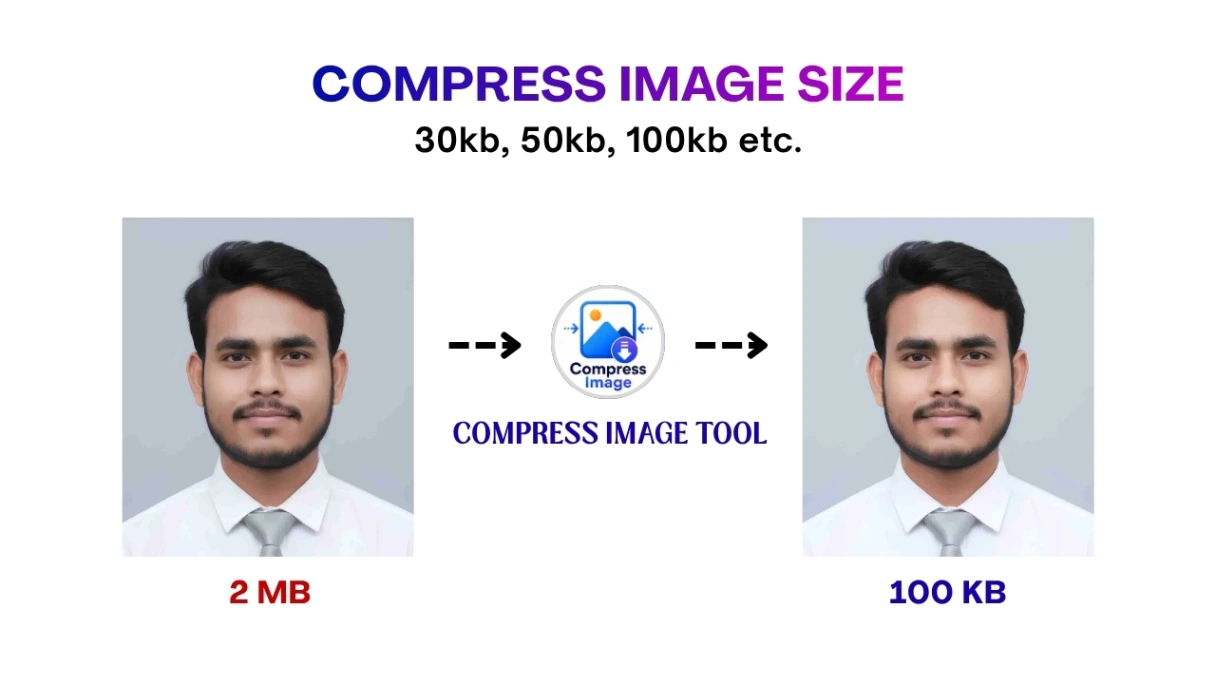 Tips
Tips
June 24, 2026
Compress Image: how much can you shrink a photo?
What actually happens when an image gets compressed, and how to pick the right target size.
Read more Guides
June 15, 2026
JPG vs PNG vs WebP: which format should you use?
The small format details that make or break an image conversion.
Read more